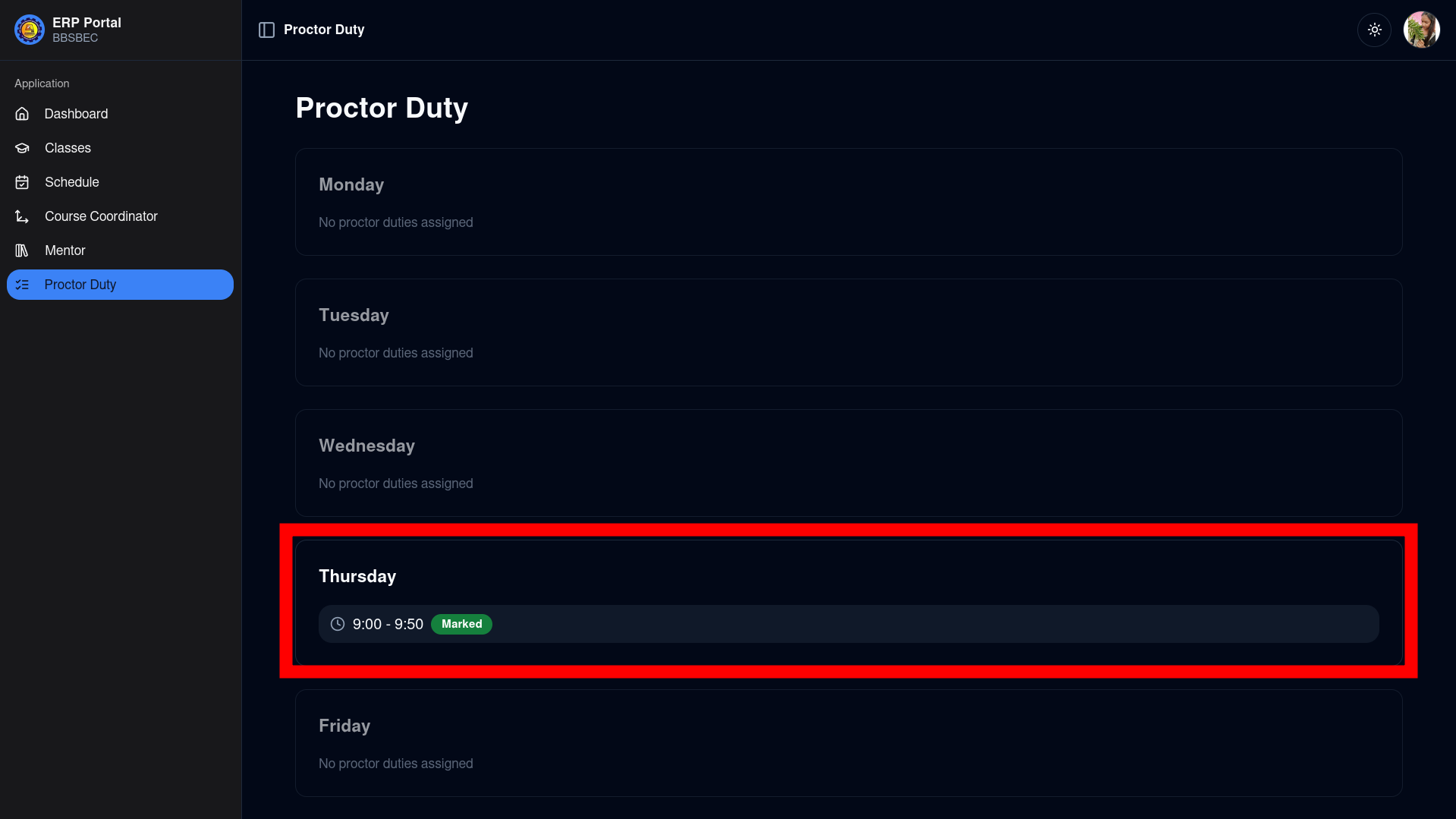
Marking Proctor Duty
Proctor duties are assigned by the department clerk. If you don't see a duty you were notified about, please contact your department clerk.
Steps to Mark Your Proctor Duty Report:
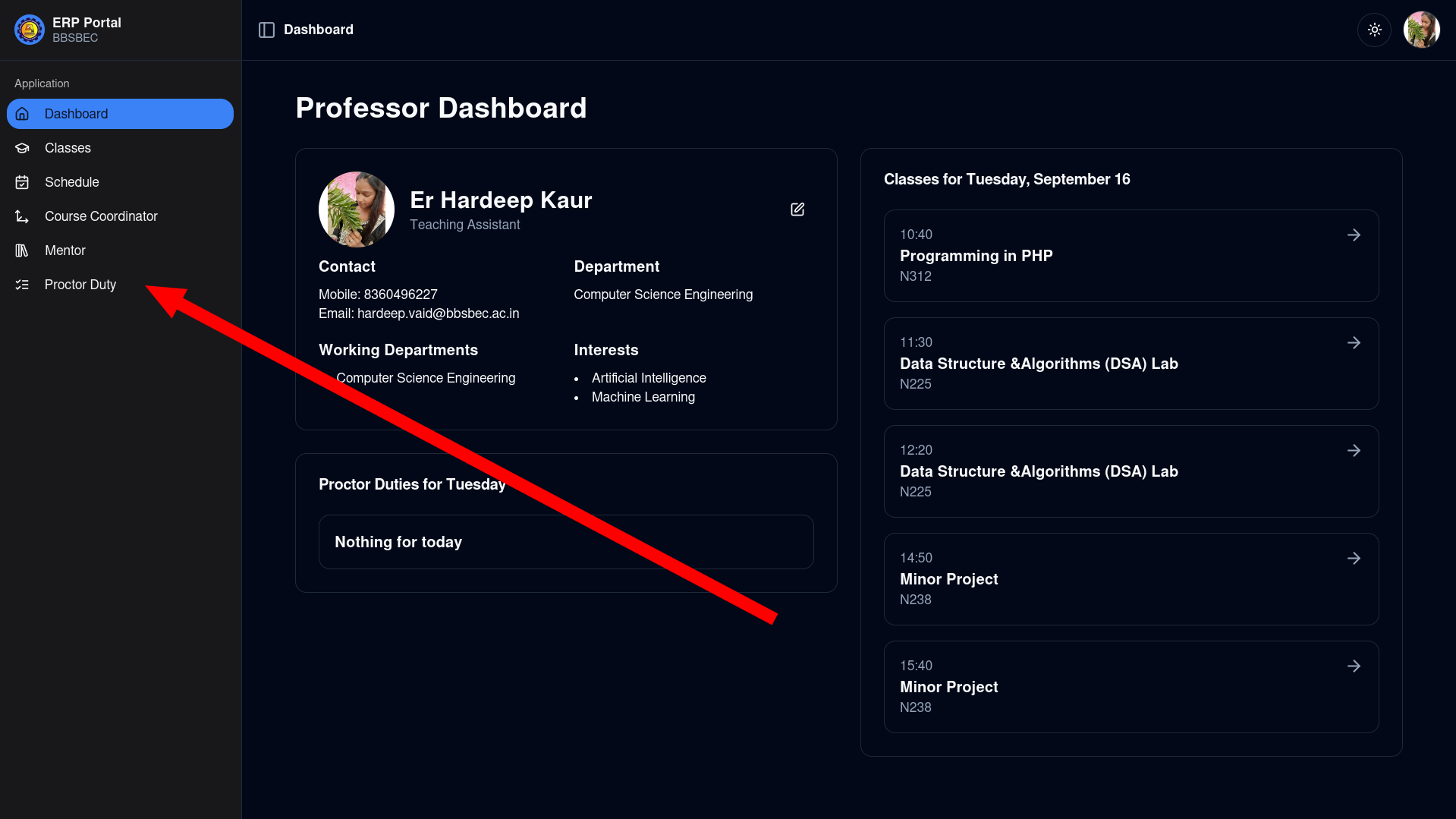
Navigate to the Proctor Duty Page Use the left sidebar to go to the Proctor Duty page.
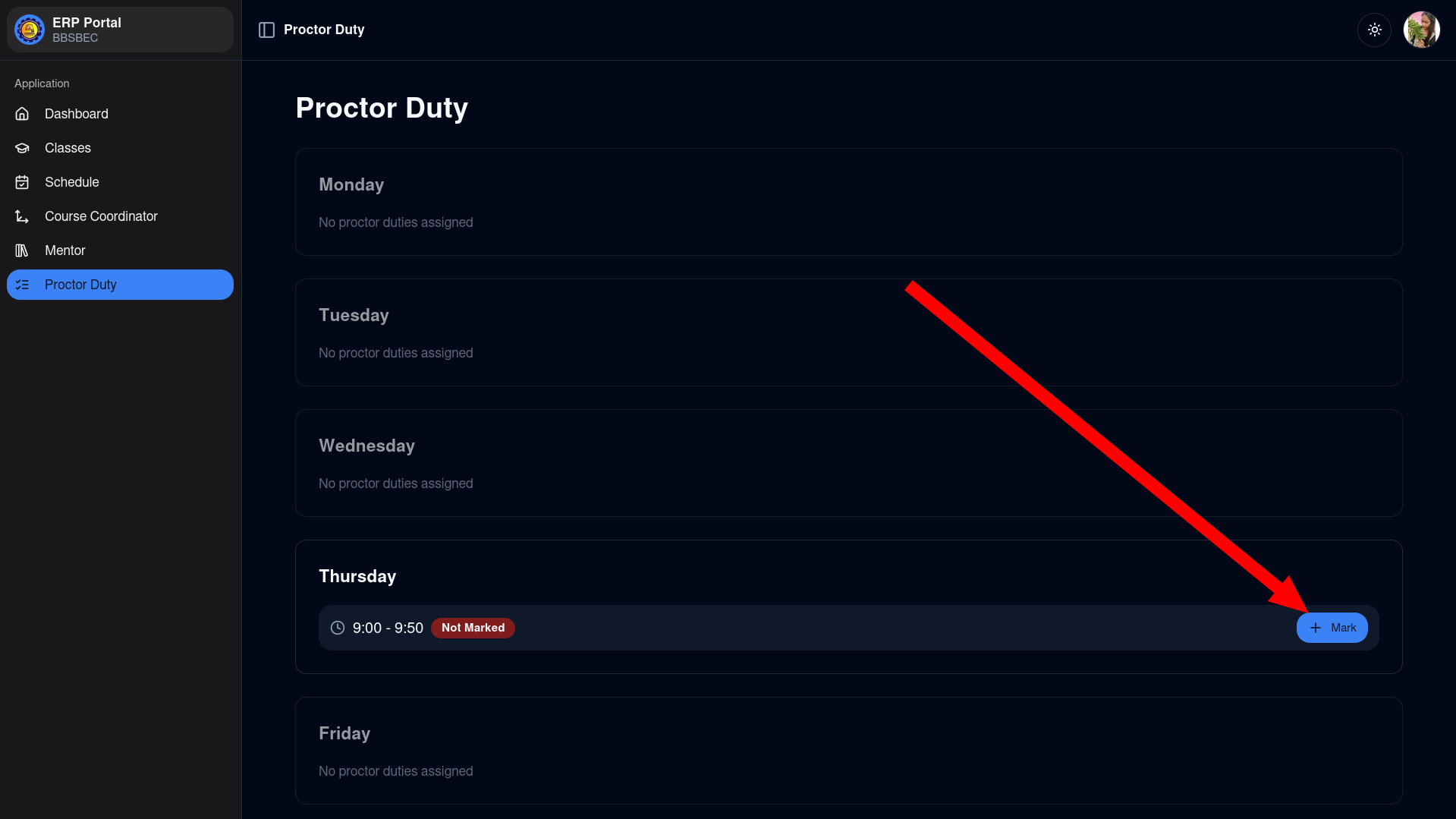
Select a Time Slot to Mark Report Click on "Mark Report" for a time slot in the current week's schedule.
NOTE
Only the current week's proctor report (Monday to Friday) can be submitted.
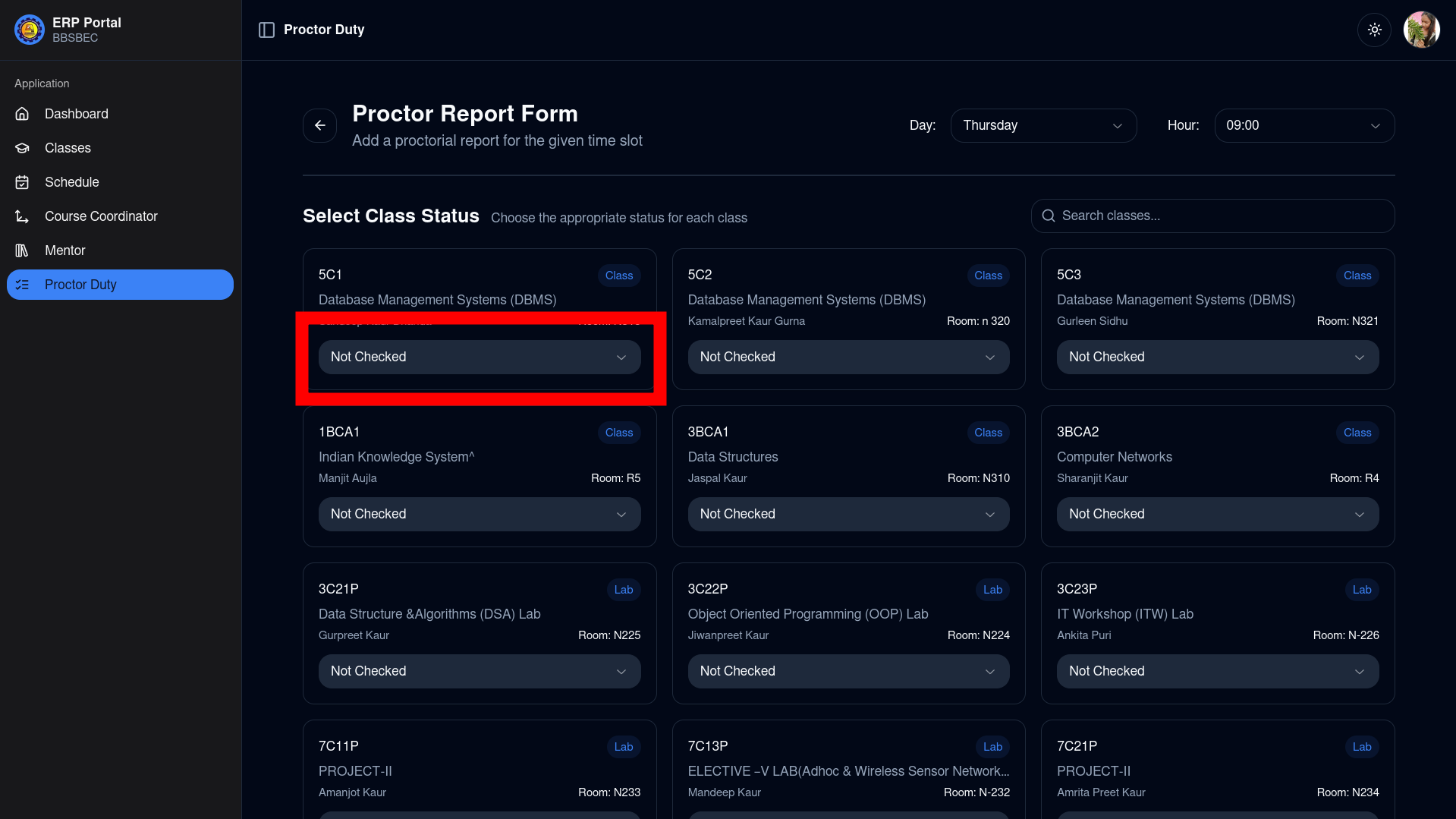
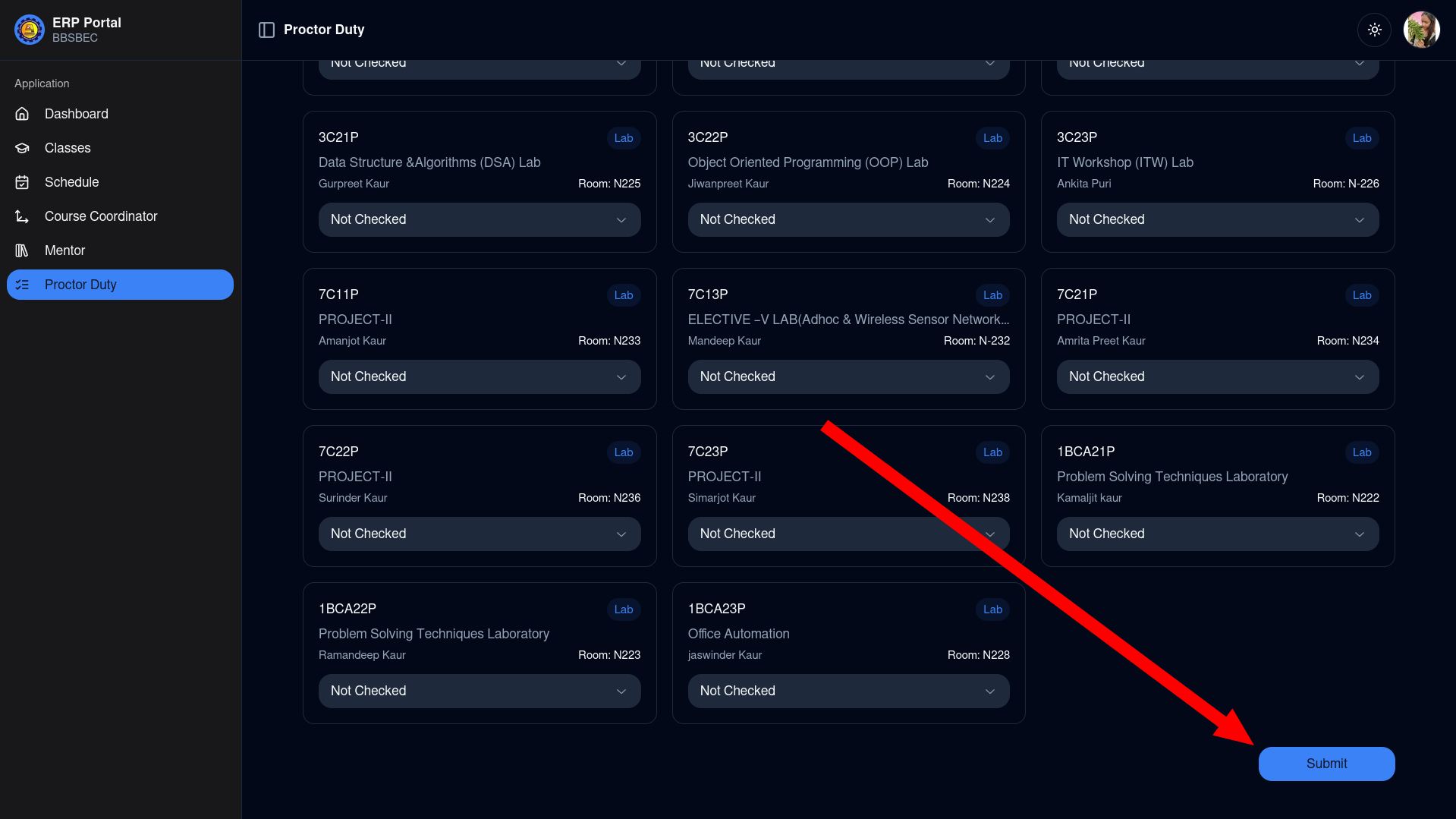
Mark Classes as Conducted or Not Conducted Each class default state is "Not checked". Mark classes as "OK" (conducted) or "Not conducted" as applicable.
Submit the Report Scroll down and click the Submit button to save your report.
Report Confirmation After submitting, you will be redirected back to the Duties page where your report status will be shown as "marked".
NOTE
The status update may take a moment to refresh. You can refresh the page to see the latest status.